
Digital Asset Management Software
Streamline and automate your workflow
right software in place can make all the difference. HIVO’s
digital asset management (DAM) software is designed to help
businesses organise, store, and retrieve their digital files with
ease.
Whether you're a small business or a large enterprise,
investing in our AI powered DAM software streamlines your
workflow and improves efficiency.
Trusted by leading brands






















































































Centralised Storage
and Organisation
One of the key benefits of digital asset management software is the ability to centralise storage and organisation of all your digital files. With DAM software, you can say goodbye to scattered files across different devices and folders. Instead, you can store all your assets in one centralised location, making it easier to find and access what you need.

Collaboration and
Workflow Automation
One of the key benefits of digital asset management software is the ability to centralise storage and organisation of all your digital files. With DAM software, you can say goodbye to scattered files across different devices and folders. Instead, you caAnother advantage of digital asset management software is the ability to collaborate seamlessly with team members and automate repetitive tasks. With HIVO’s DAM software, you can set up workflows to streamline and automate the approval process for new assets, ensuring that all stakeholders are involved and informed every step of the way. You can check out our approval workflow module here.

DAM software with all the features you need

Centralised library
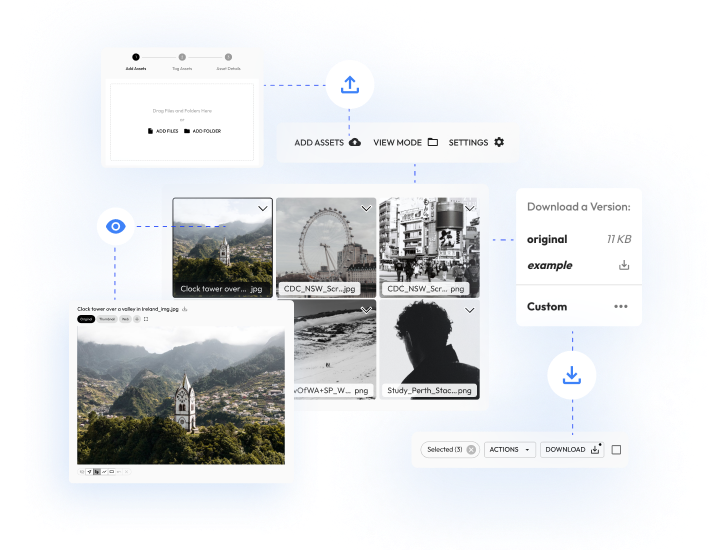
Use the media library feature to centralise all your content as the single source of truth to upload, download, view and manage all file types and media such as photos, videos, transcripts, PDF’s, spreadsheets and design files. All media is stored in the cloud on AWS S3 servers.
Powerful search engine
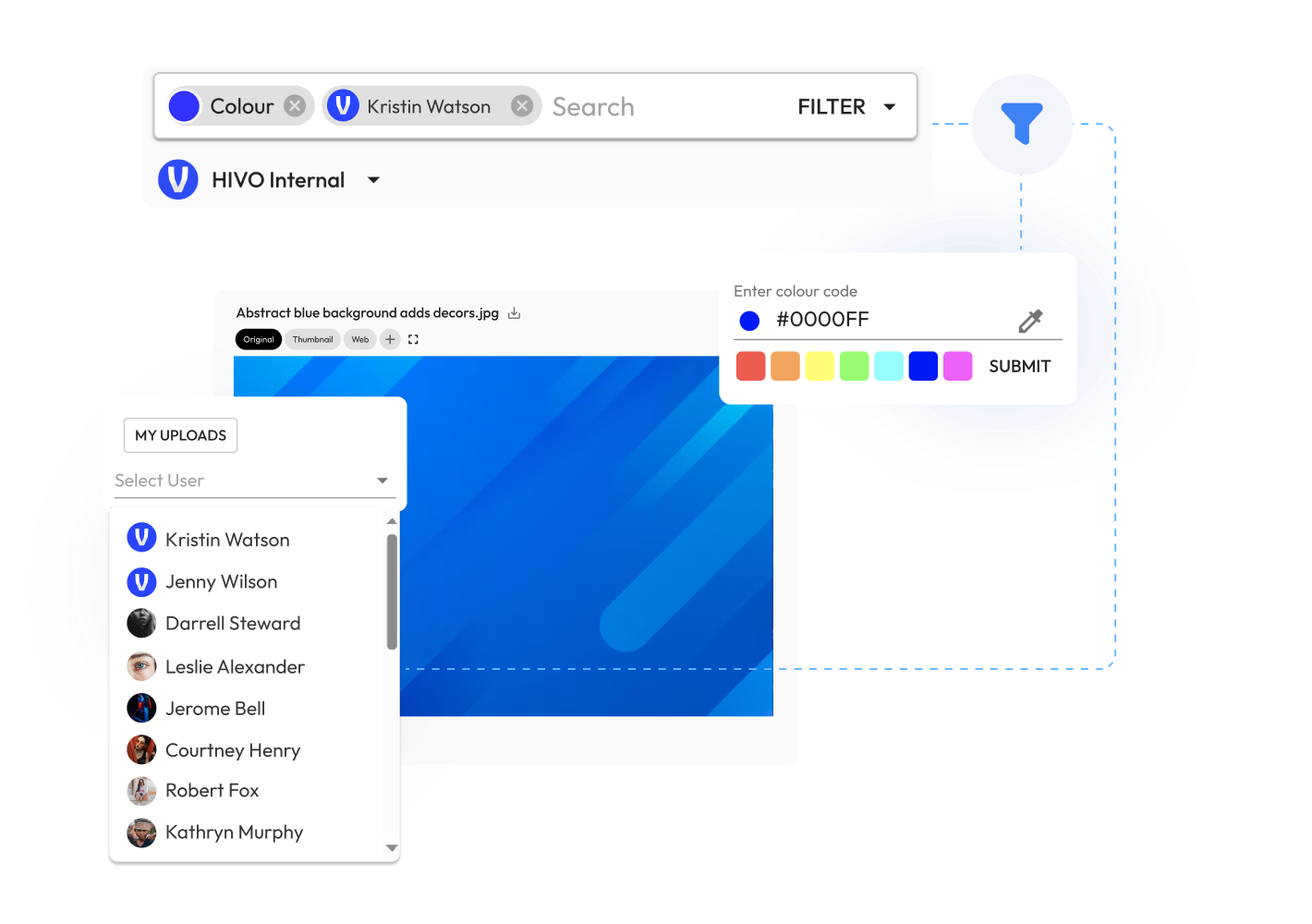
Search for digital assets and filter by task, keyword, file type, face, user, date range, colour codes and more. Customise HIVO’s lightning fast search results to display search results in grid or list formats.
Predictive search terms
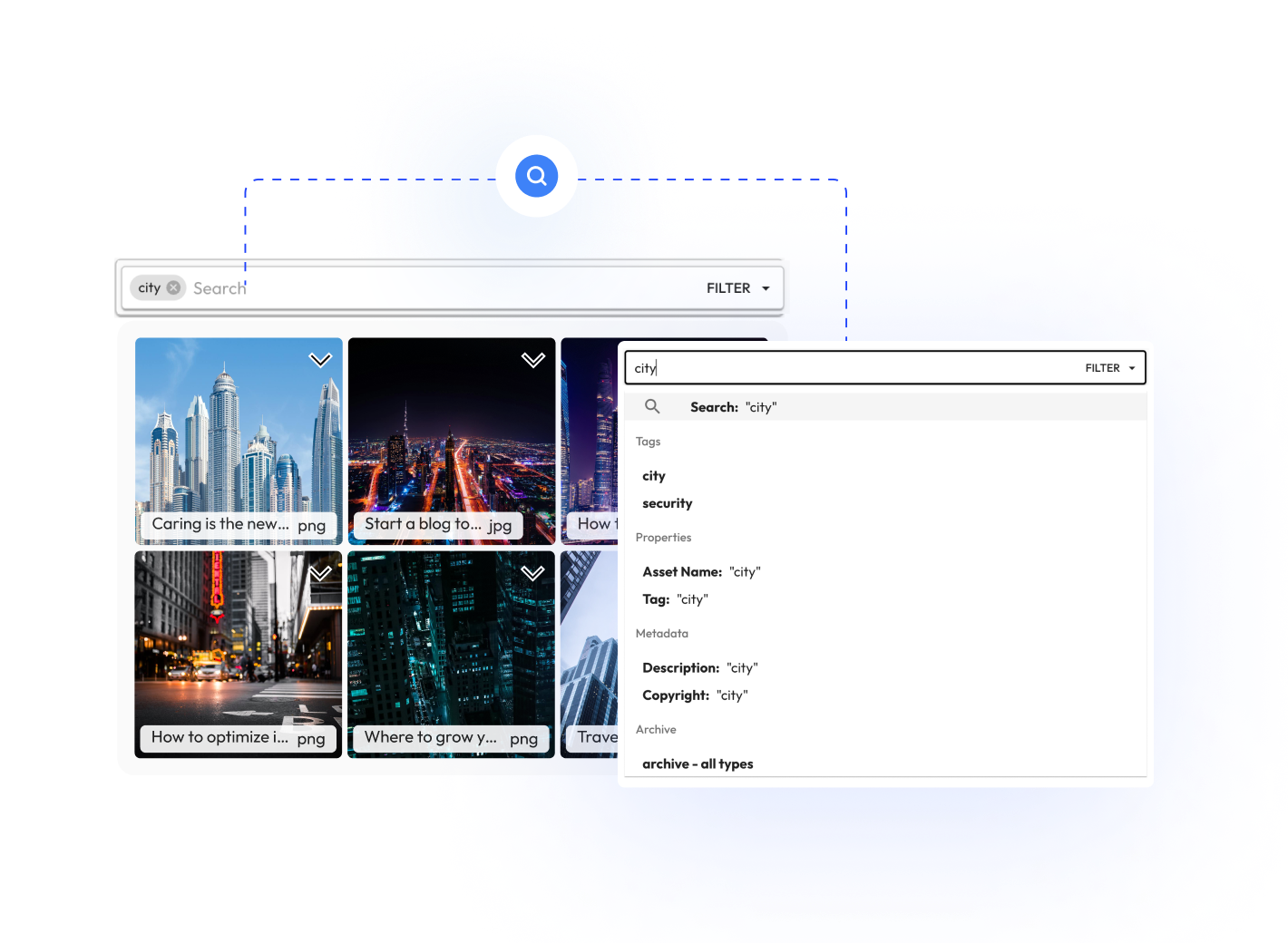
Predictive search in digital asset management software makes searching for the files you are looking for a whole lot faster. HIVO’s AI powered search engine suggests search terms that could be what you're looking for or tags related to the search topic.
Optional folder view
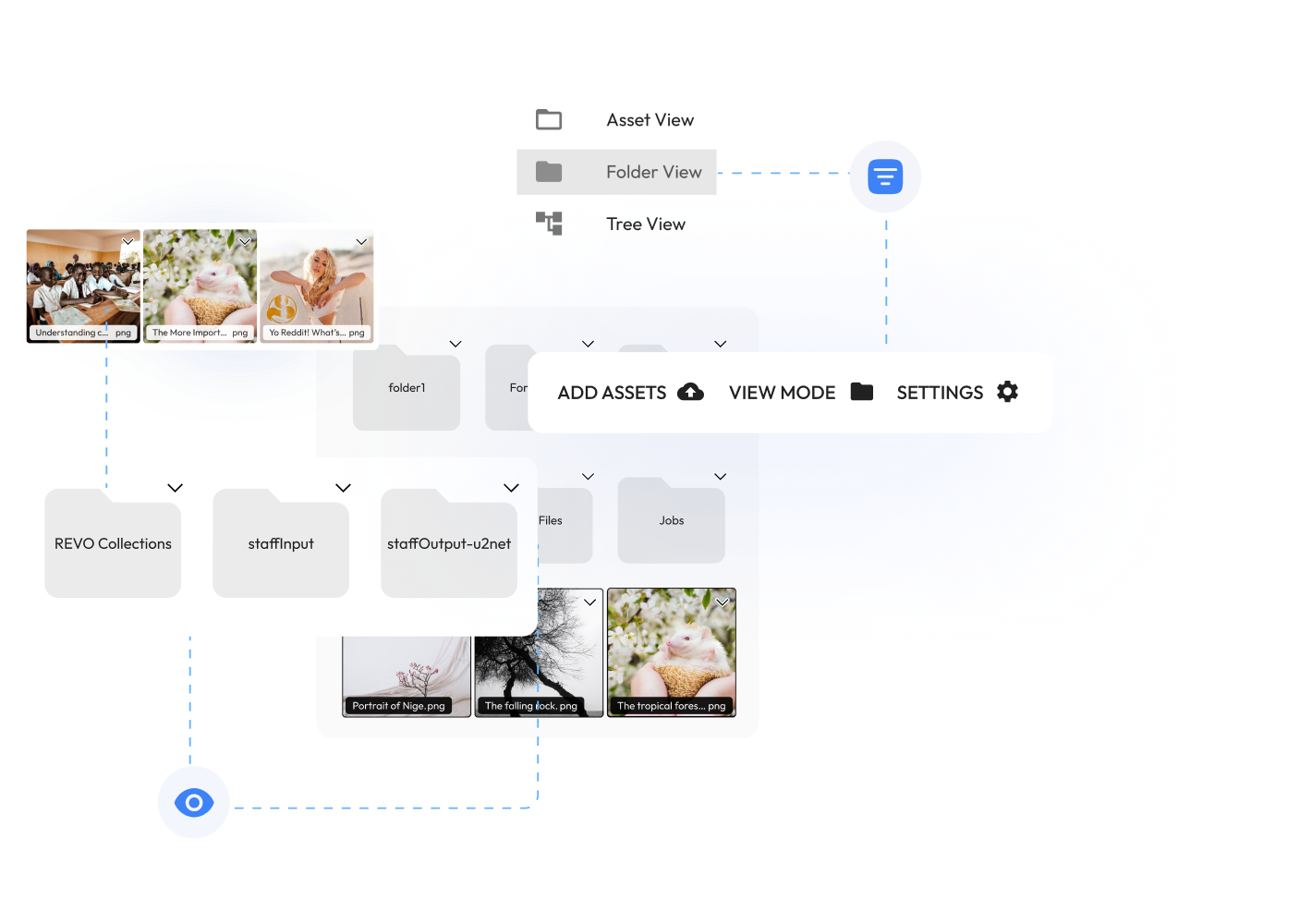
Optionally display folders with multiple levels and hierarchy. Upon on-boarding the HIVO platform, our support team will work with you to keep the same filing structure and asset taxonomy you currently have, or work with you to implement a new one.
Multiple formats
and sizes
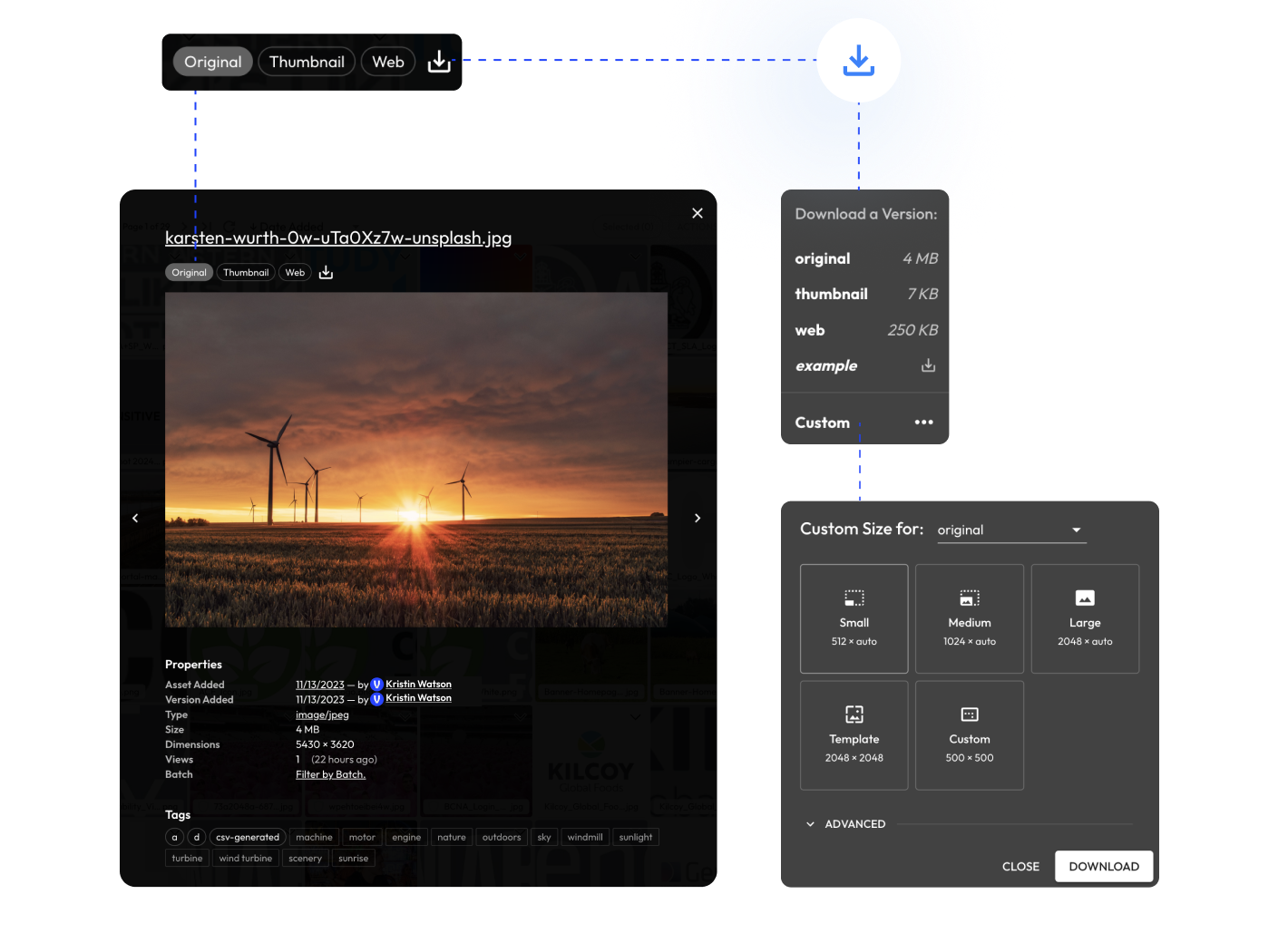
Ability to export and download assets in various formats and file sizes without affecting original assets. Optionally save exported assets as a new version and let HIVO's DAM software automatically convert large file sizes into smaller versions as you need them.
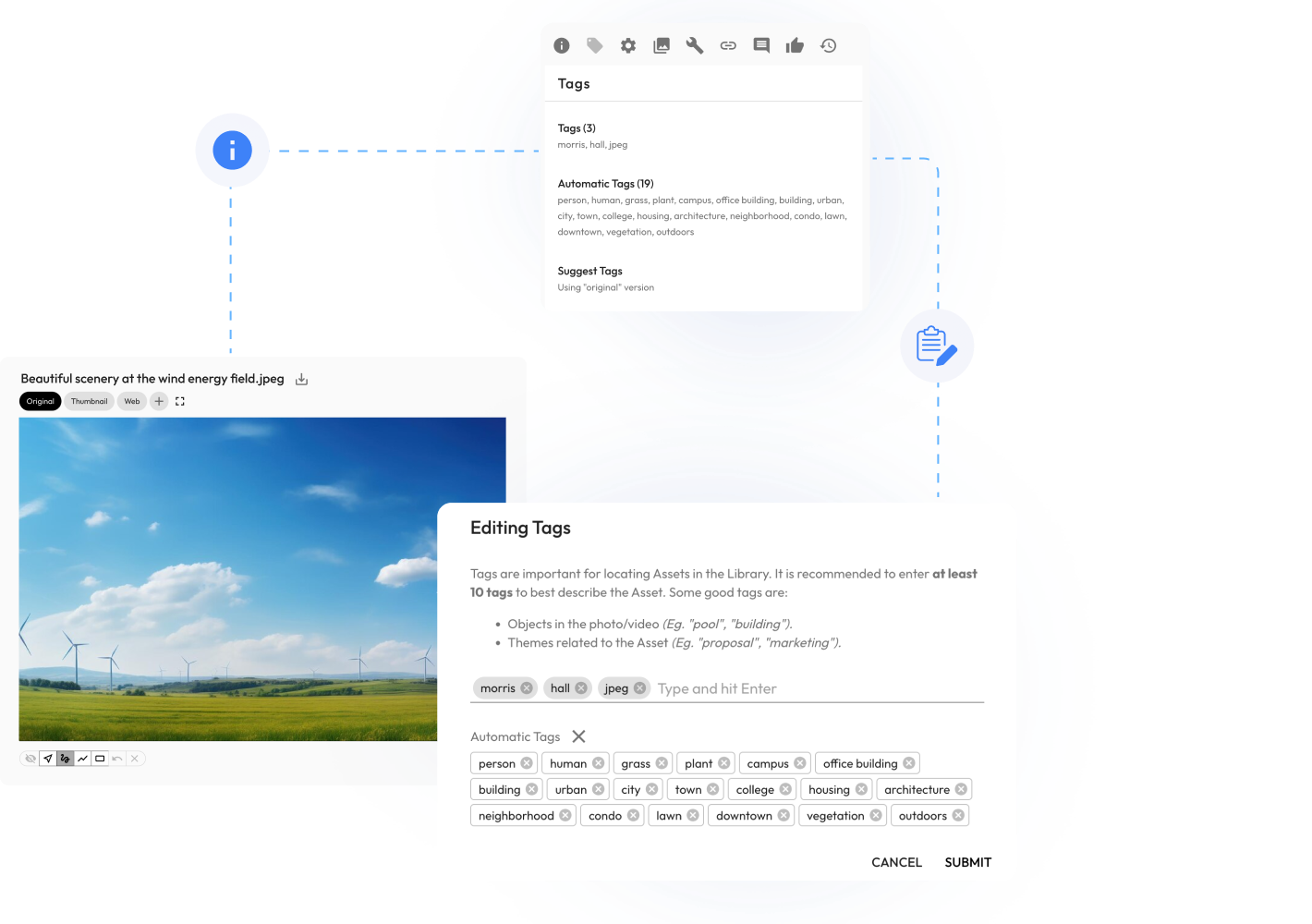
AI tagging and search
Utilise our AI to identify and tag objects, people, text, scenes, sentiment and activities in images and videos as they are uploaded to your library. Searching and finding your images and videos in the search engine has never been faster or easier.
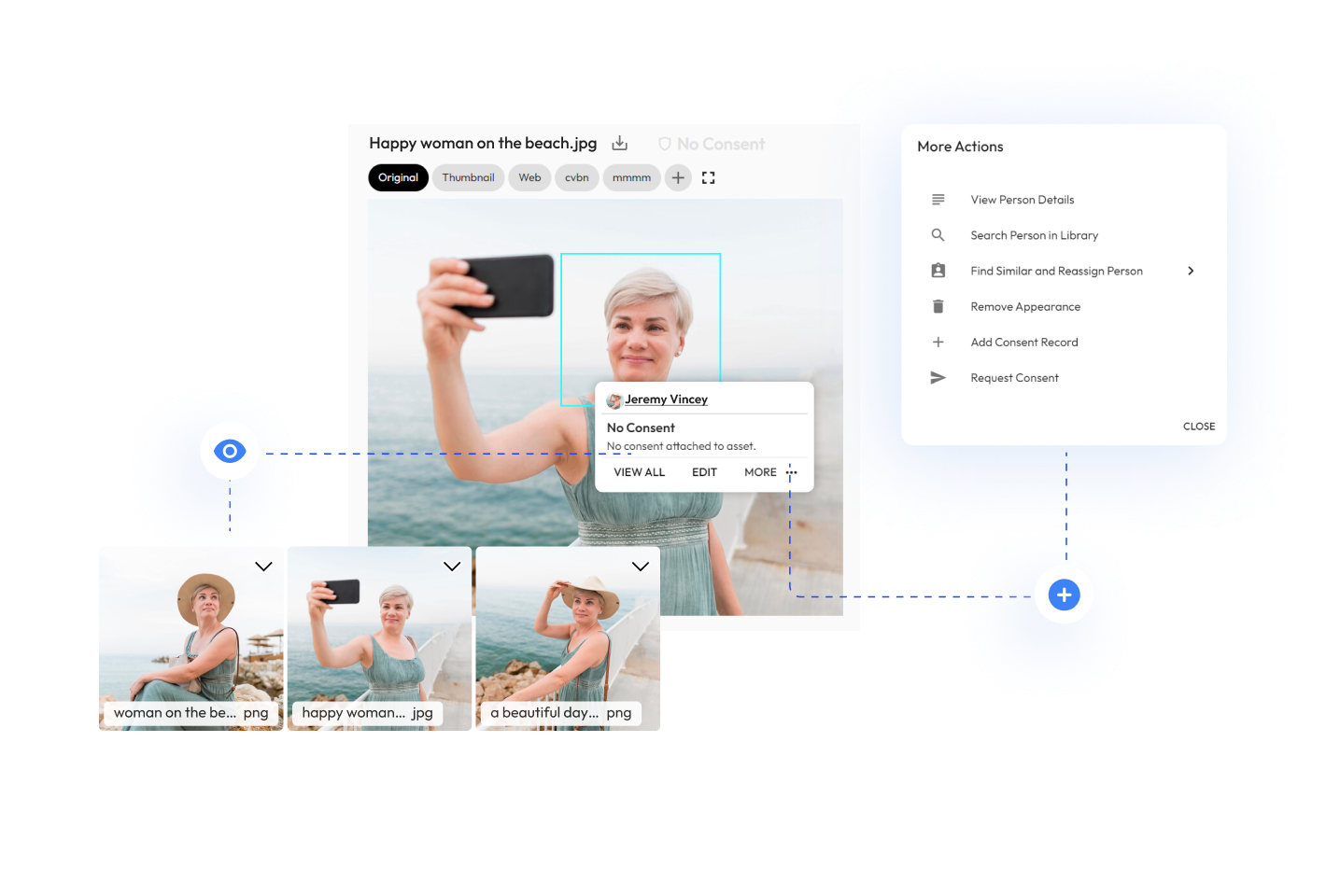
Facial recognition
Facial recognition technology that can identify and recognise faces in images uploaded into HIVO.
Find and tag images of the CEO, link a release form, update consent status or quickly identify and search for the same face across your entire Library of assets.
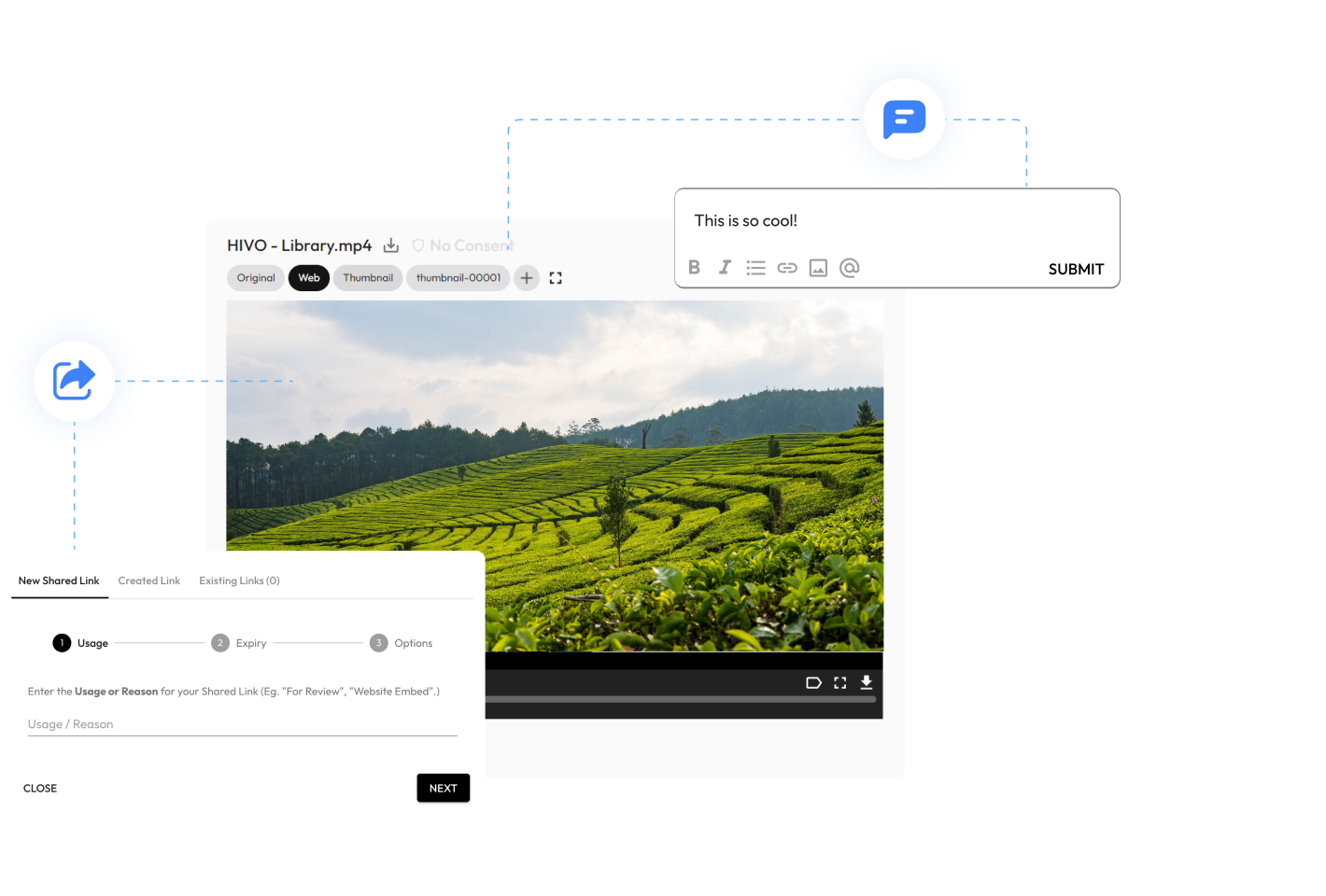
Online proofing and reviews
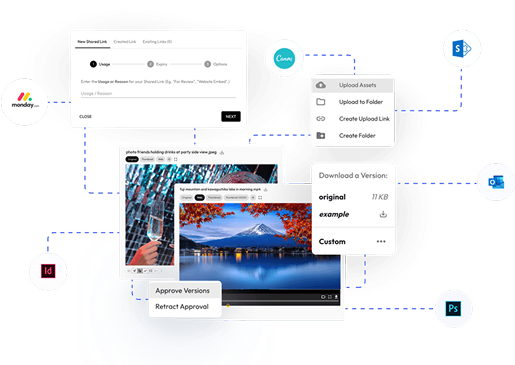
Share links with no login requirements for external review by other departments(eg. legal compliance) within your organisation. Time-stamped video commenting and review with one-click commenting and approvals.
Mass metadata
management
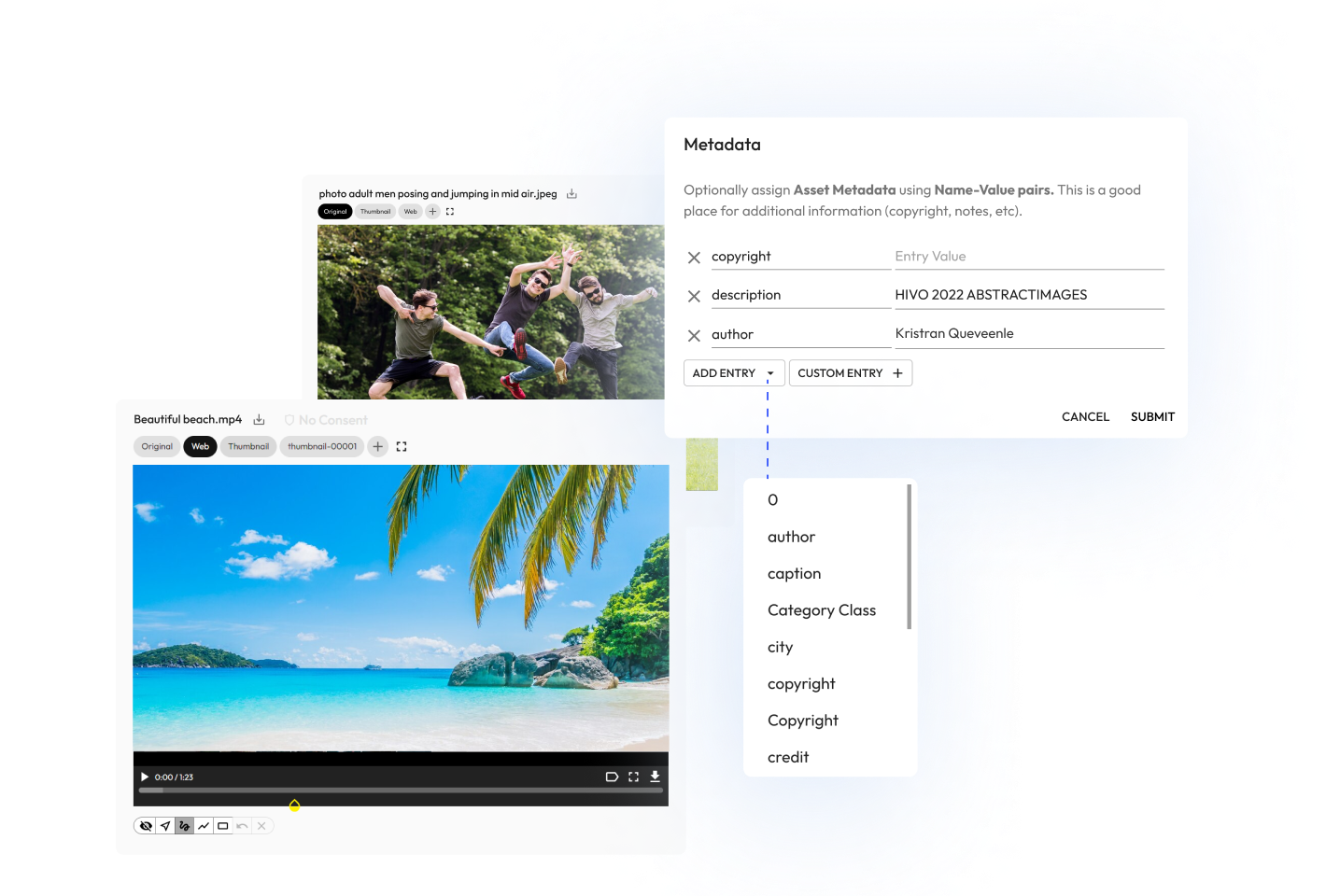
Automated and mass management of metadata, including tag and caption prediction of digital assets based on AI. Rapidly tag and update metadata fields on a selection of files or folders in just a few clicks with seamless metadata management built for speed and simplicity.
Automated file versioning
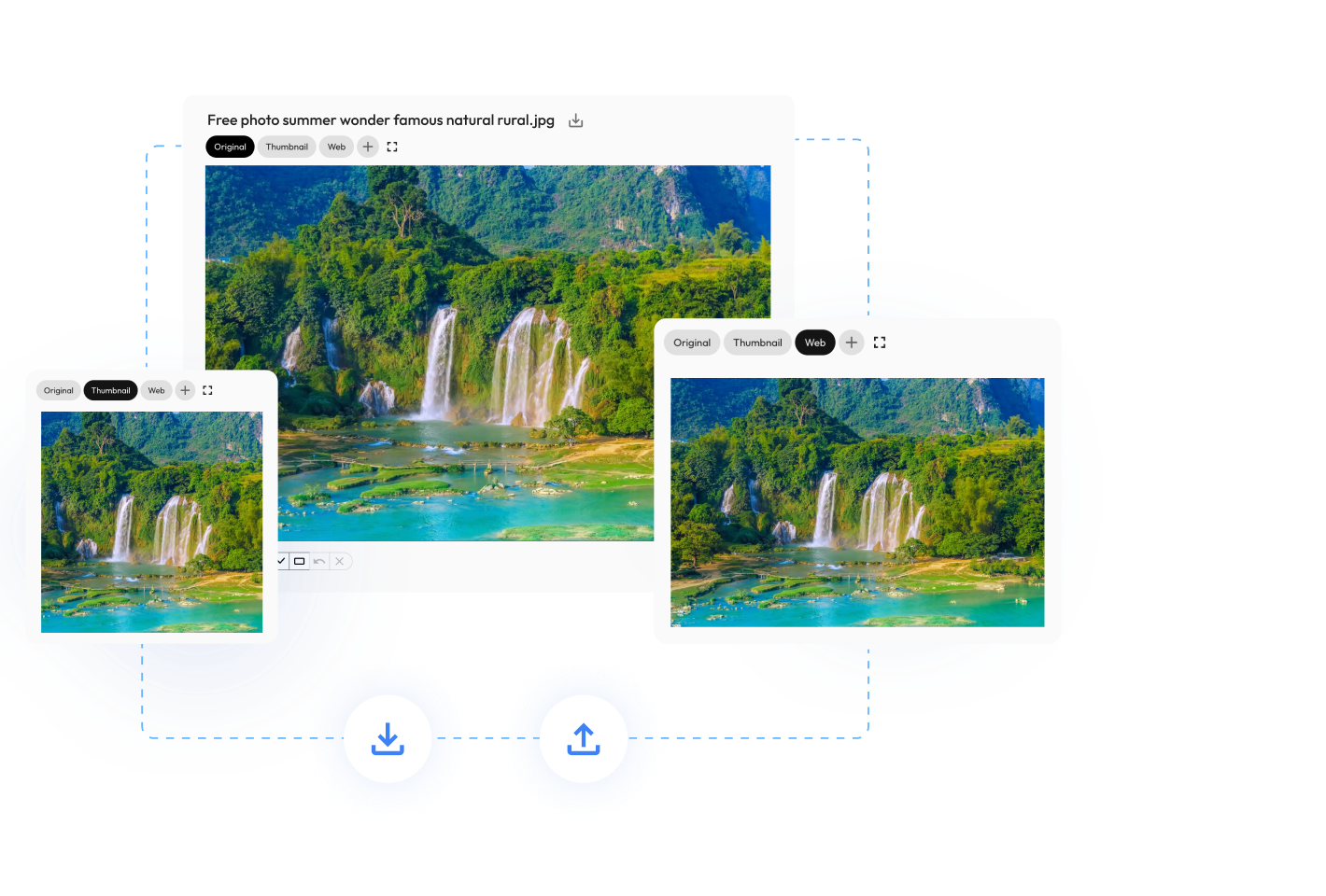
Automated file versioning features for easy new version creation of thumbnails and web resolution assets. Easily generate, upload and download customised versions on request and keep a record from first drafts to the final version.
Link documents, tasks and collections
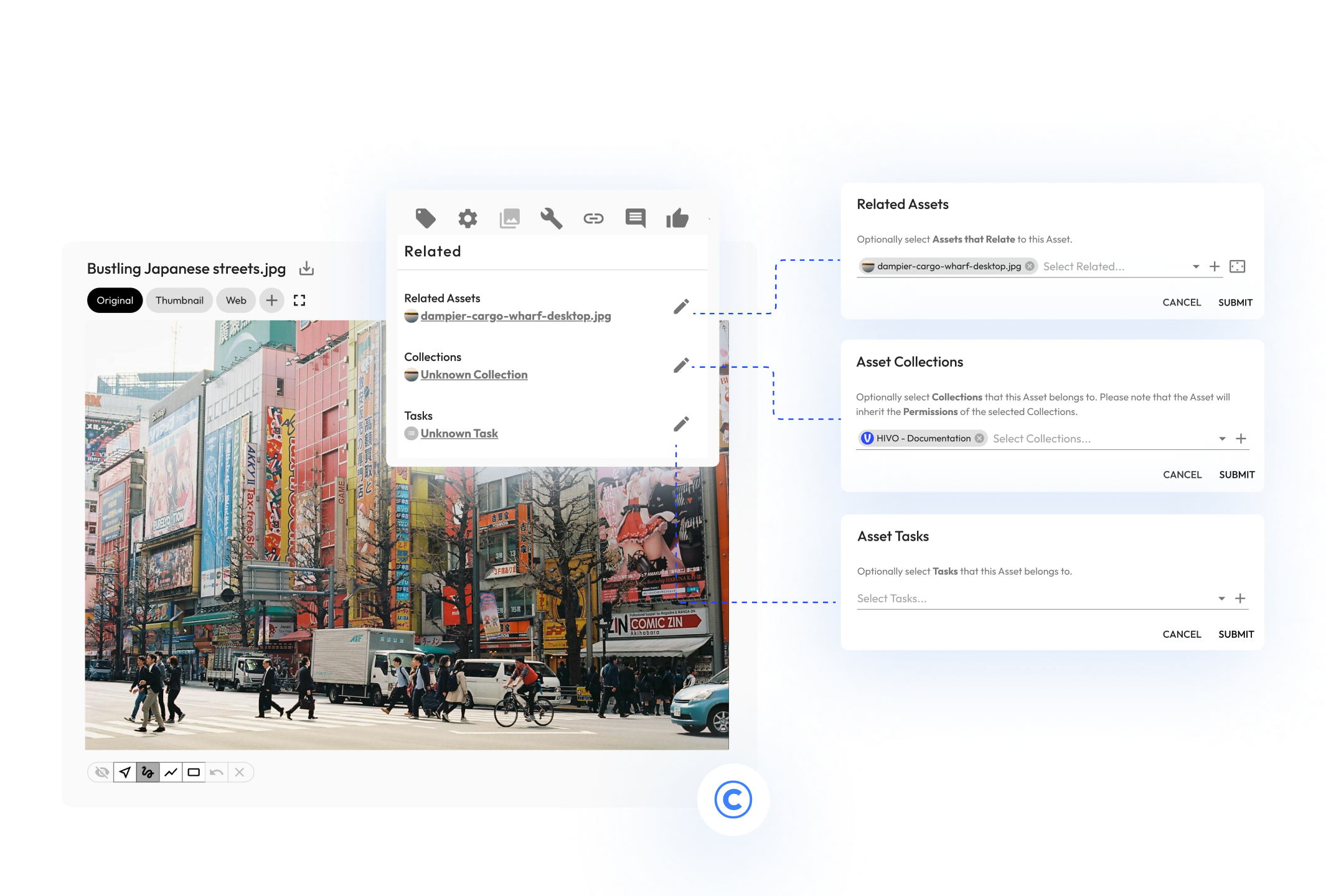
Streamline your workflow across thousands of assets, suppliers, partners and workflows. Link important legal documents like copyright, release forms and licensing agreements to your assets right throughout your entire workflow.
Automate your collections
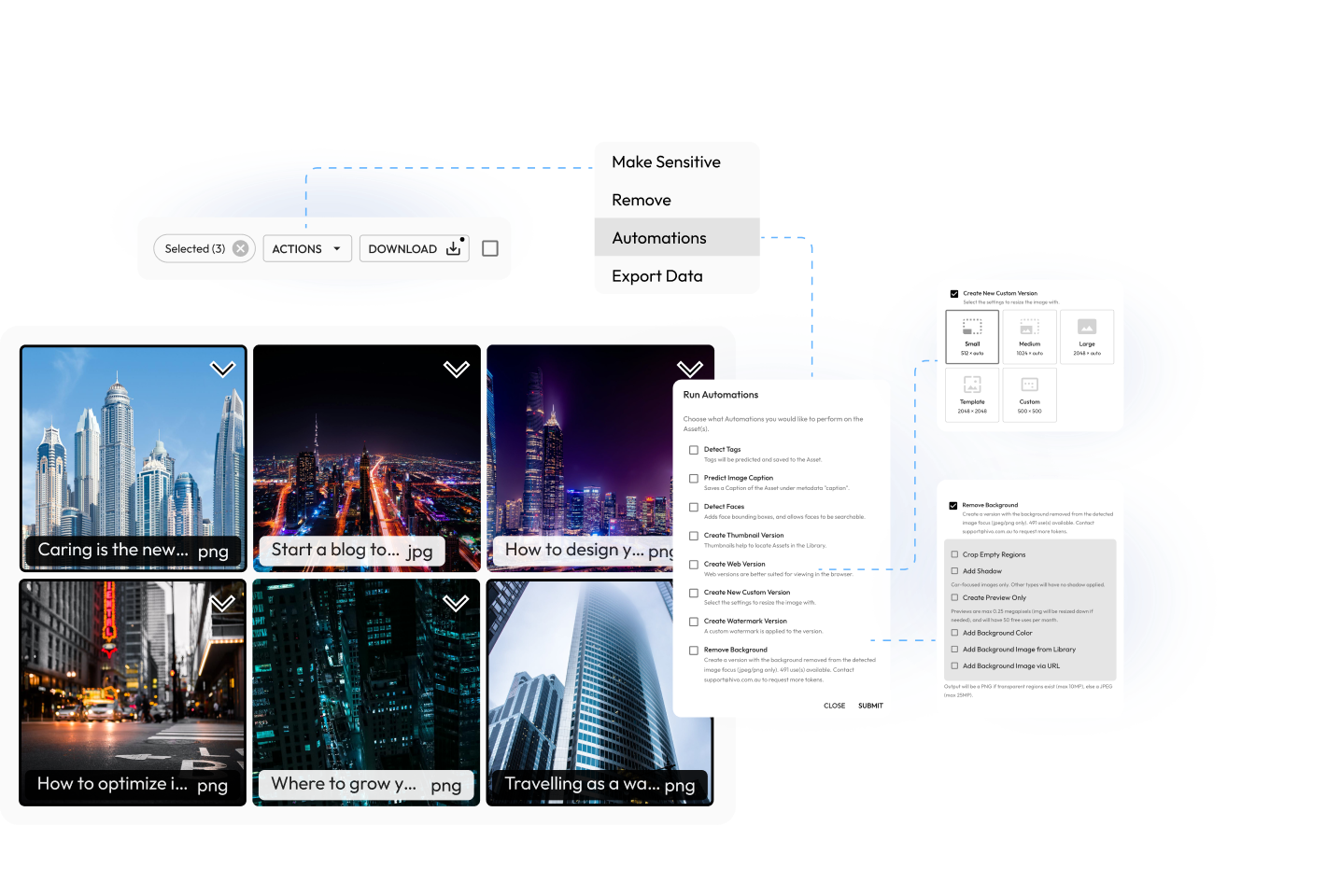
With automated collections, users can create rules and automated workflows based on facial recognition, location, file type and more. Then anytime new assets are uploaded into your Library, they will be automatically added into the collections you specify based on your rules.
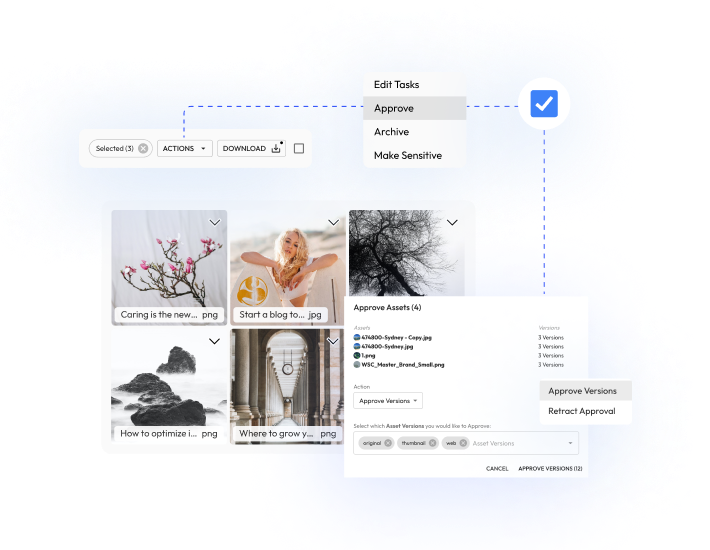
Multi-stage asset
approvals
Keep your library organised and moderated via multi-stage approval process across upload, download, asset reviews and approvals. Have staff, suppliers or photographers tag and upload content for you and then approve the upload prior to assets being submitted to your asset library.
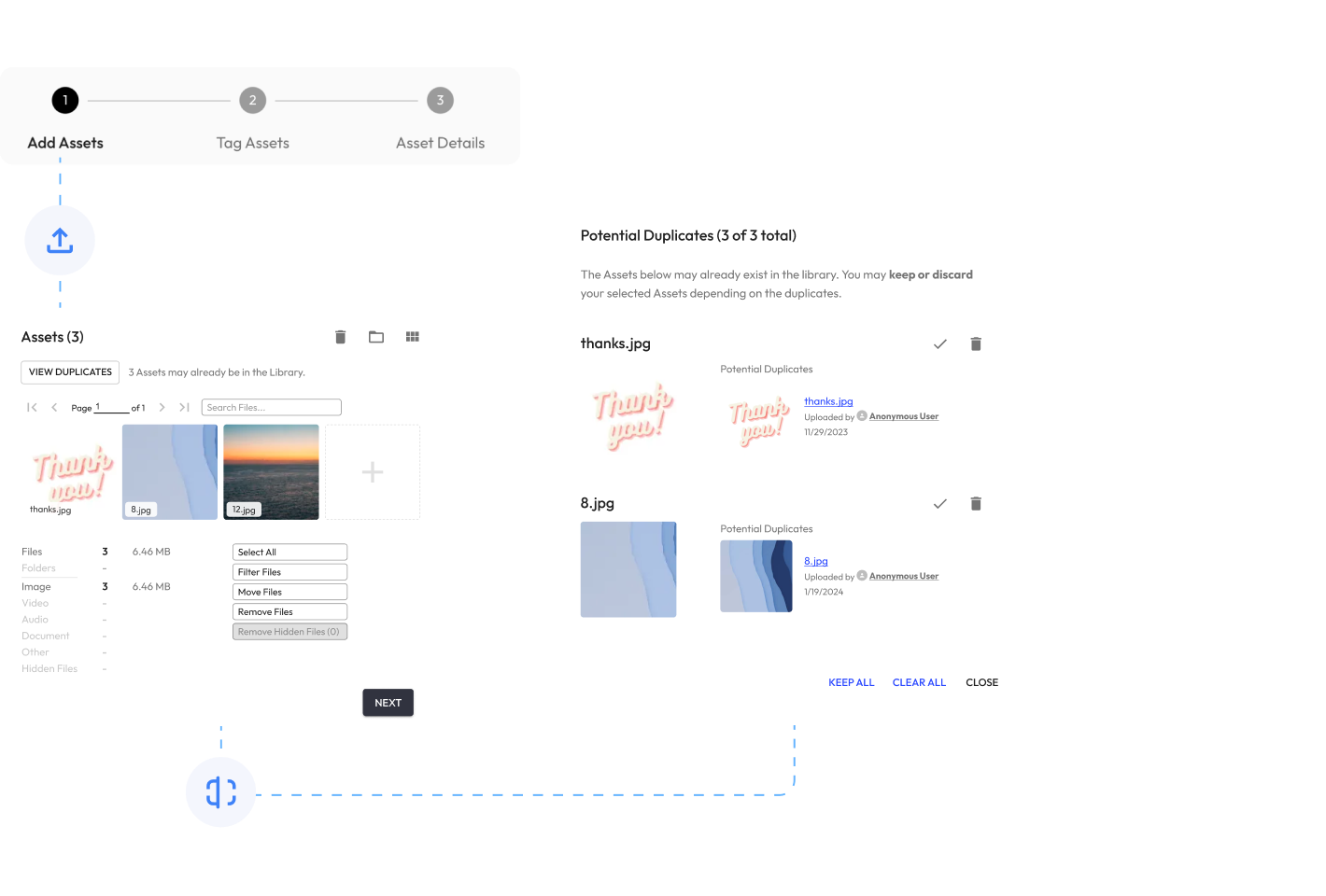
Duplicate scanner and removal
Automatically identify duplicate assets during the upload process to prevent duplication across your entire asset library. Easily remove detected duplicates or merge and re-name assets as separate versions.
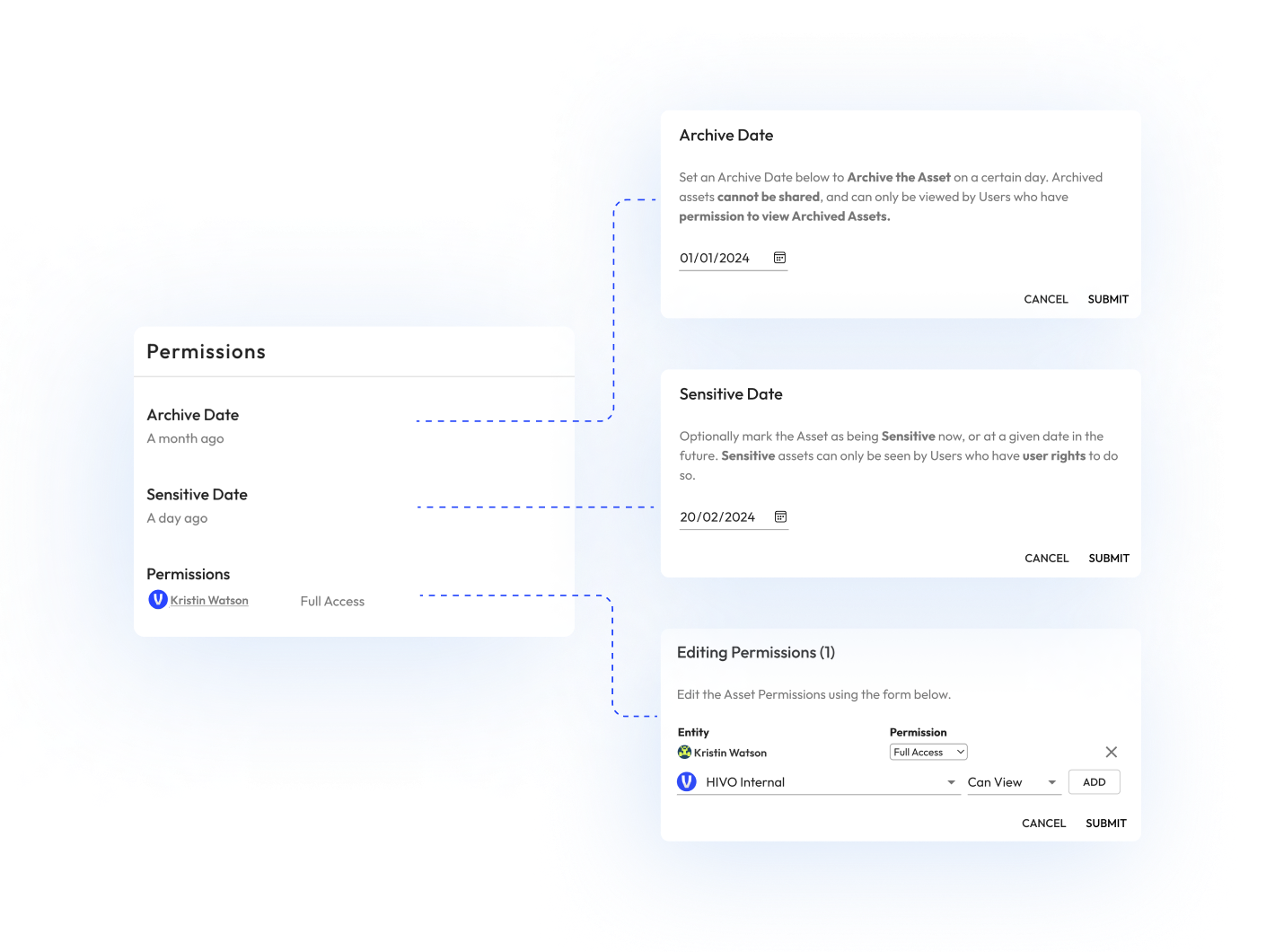
Granular permission
control
Apply customised permission structures tailored to your organisational structure so only people with the appropriate level of access can view, edit, review, archive, make sensitive and download content. Set permissions at an individual, group or department level at the click of a button.
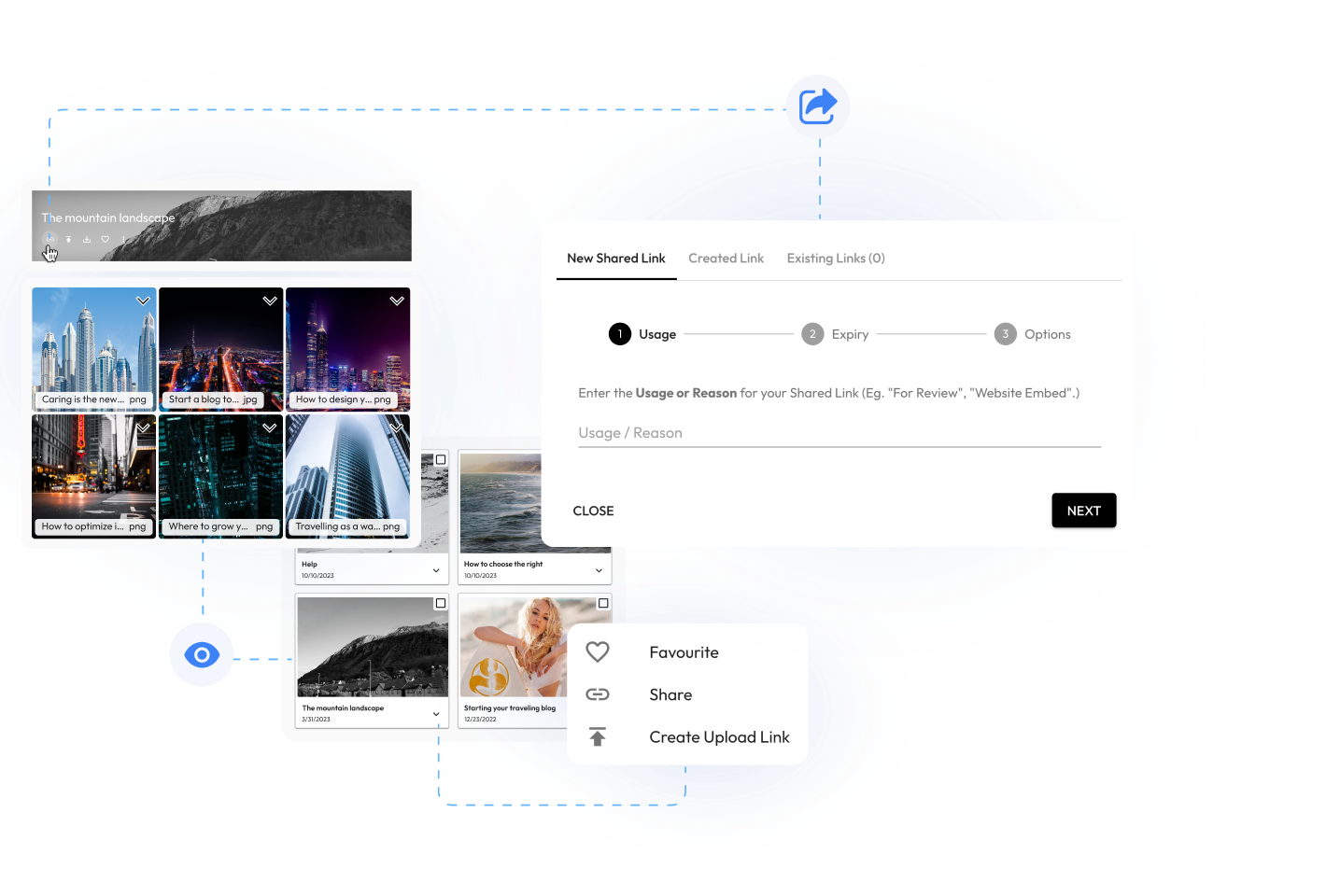
Create shared links to collections
Share entire collections of assets with both external and internal users via our powerful digital asset management software. View, favourite and access collections that you have received, shared or published online, as well as creating your own private collections.
Automated file
conversions and
optimisation
All file types can be uploaded to HIVO. Supported file types are then automatically optimised and converted to generate new file types, versions and previews that are accessible and ready to use at any time on any platform, ensuring you maximise your digital media asset expenditure.
.png)
Access anywhere on any device
As cloud digital asset management software, your entire media library is available in the cloud on any device and accessible anywhere in the world where there is an internet connection. HIVO is your control panel for easy access to digital assets and the world of digital media production and publishing.
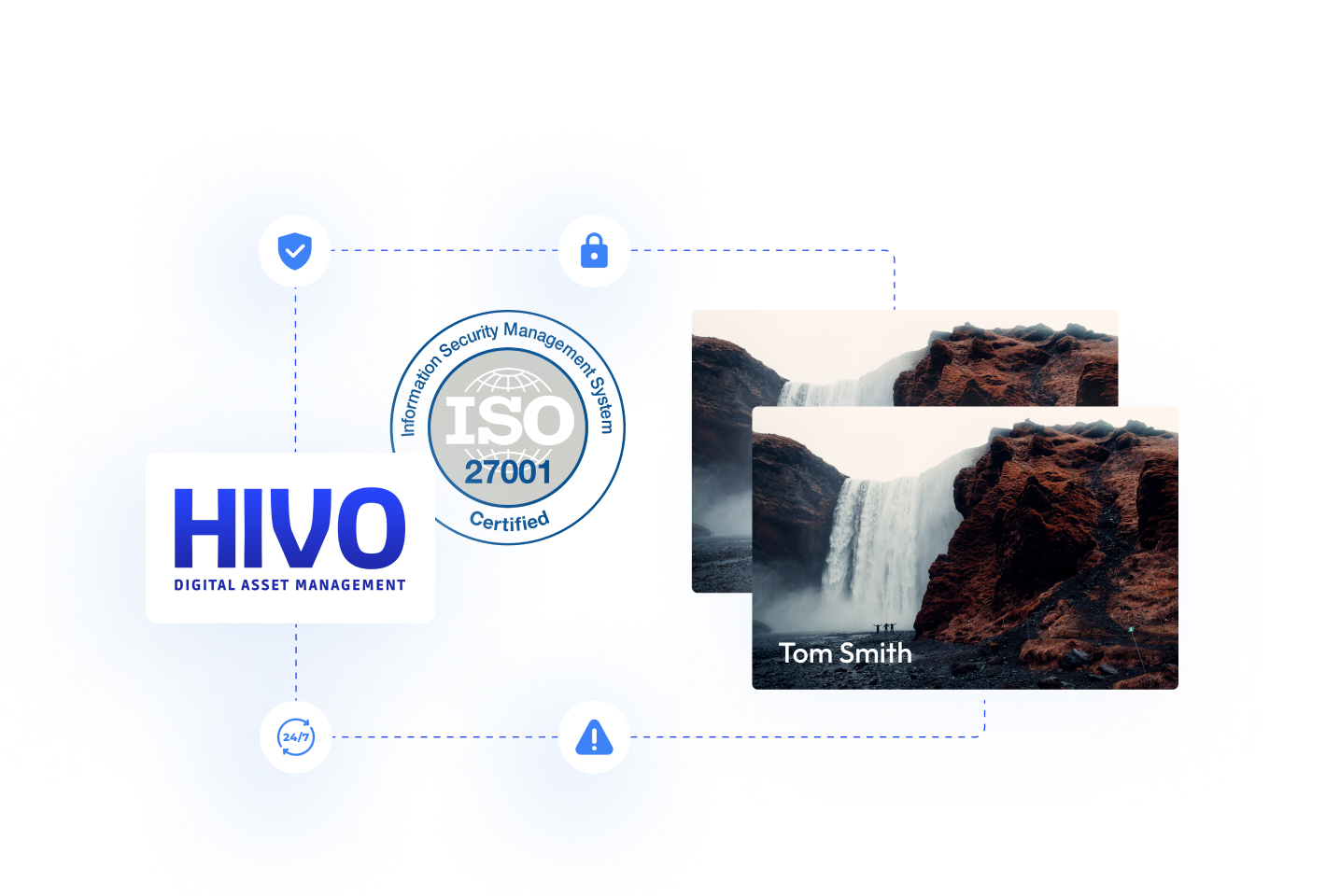
Highly secure information
management system
HIVO is monitored by a world class 24/7 managed cyber security service and all asset are stored on highly secure AWS servers that are ISO27001 compliant. On request HIVO can provide your digital, IT and legal teams with all relevant security documentation and response play books that combat real and potential cyber risks and threats.
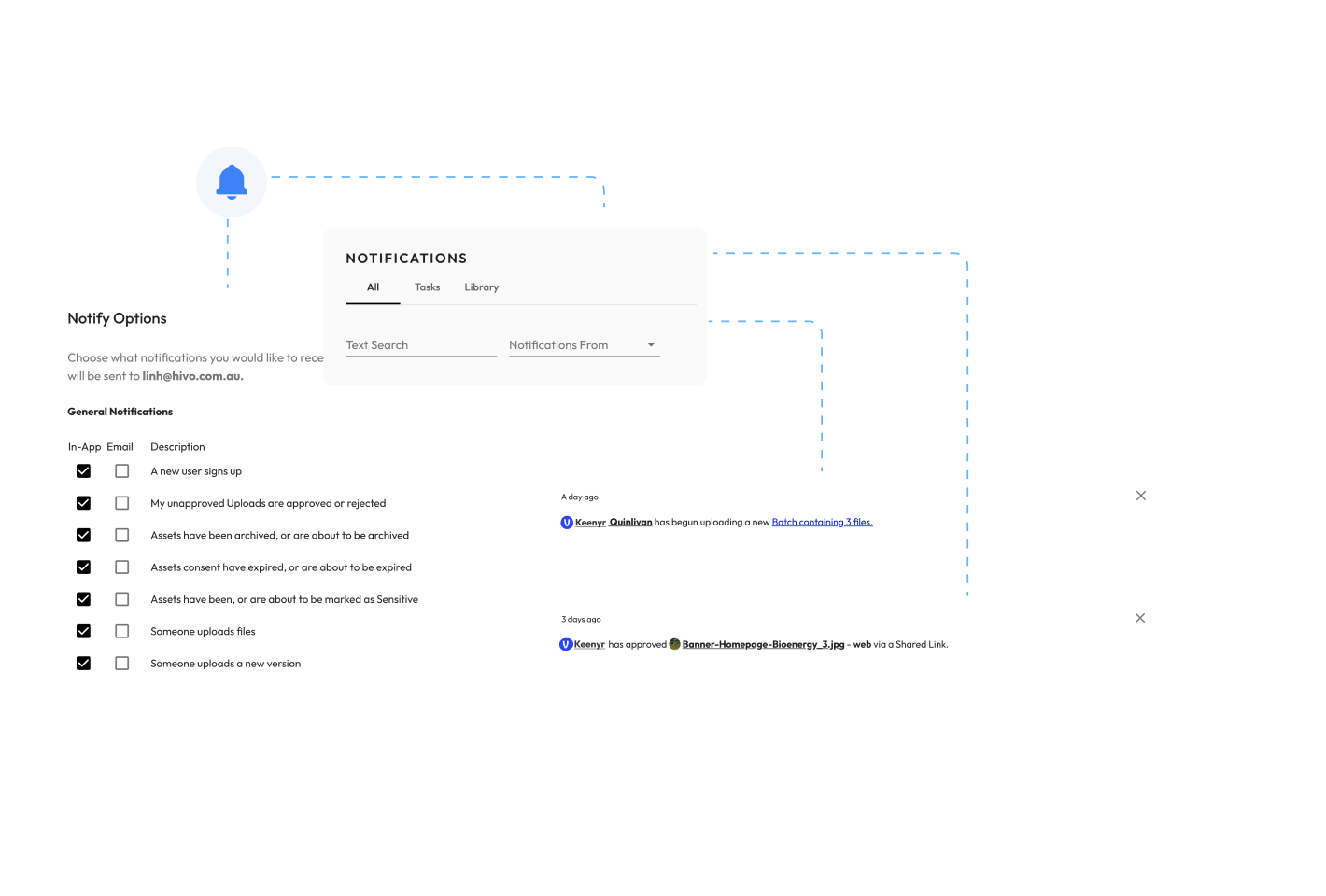
Notifications and email alerts
Receive in-app and email notifications across your entire workflow, including when new media is ready for download, a comment is published, a change is requested and a whole lot more. Optionally configure when you receive both notifications and emails.
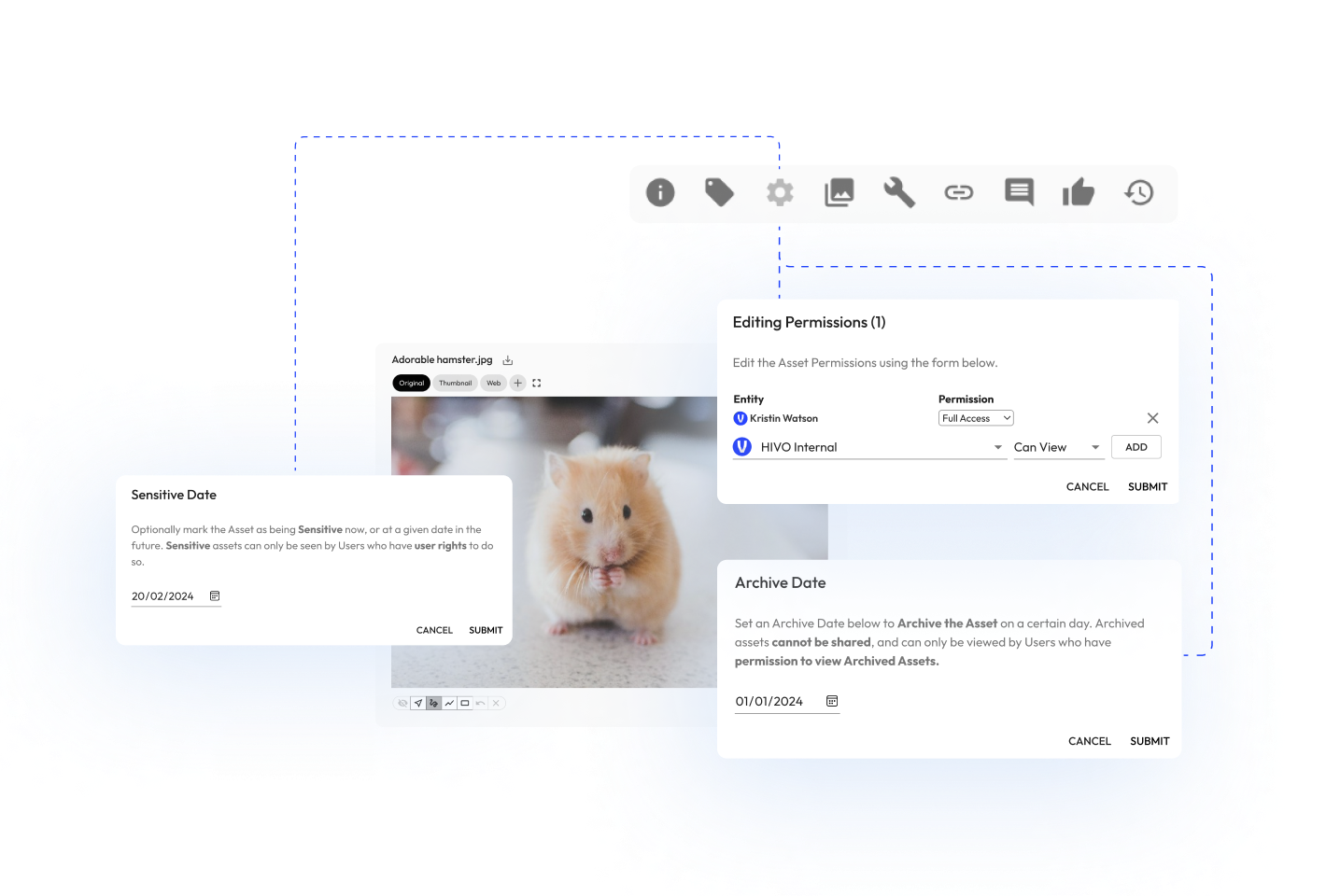
Archiving digital assets
Keep your digital asset library up-to-date by archiving files and media automatically via a set expiry date. Manage digital asset restrictions to only the latest or most relevant assets, with the option to recover previous versions only if you need them.
Custom tags and
asset taxonomies
Easily add tags and metadata to your digital assets based on pre-defined taxonomy that is unique to your business and to enable lightning fast search and asset recall for users.

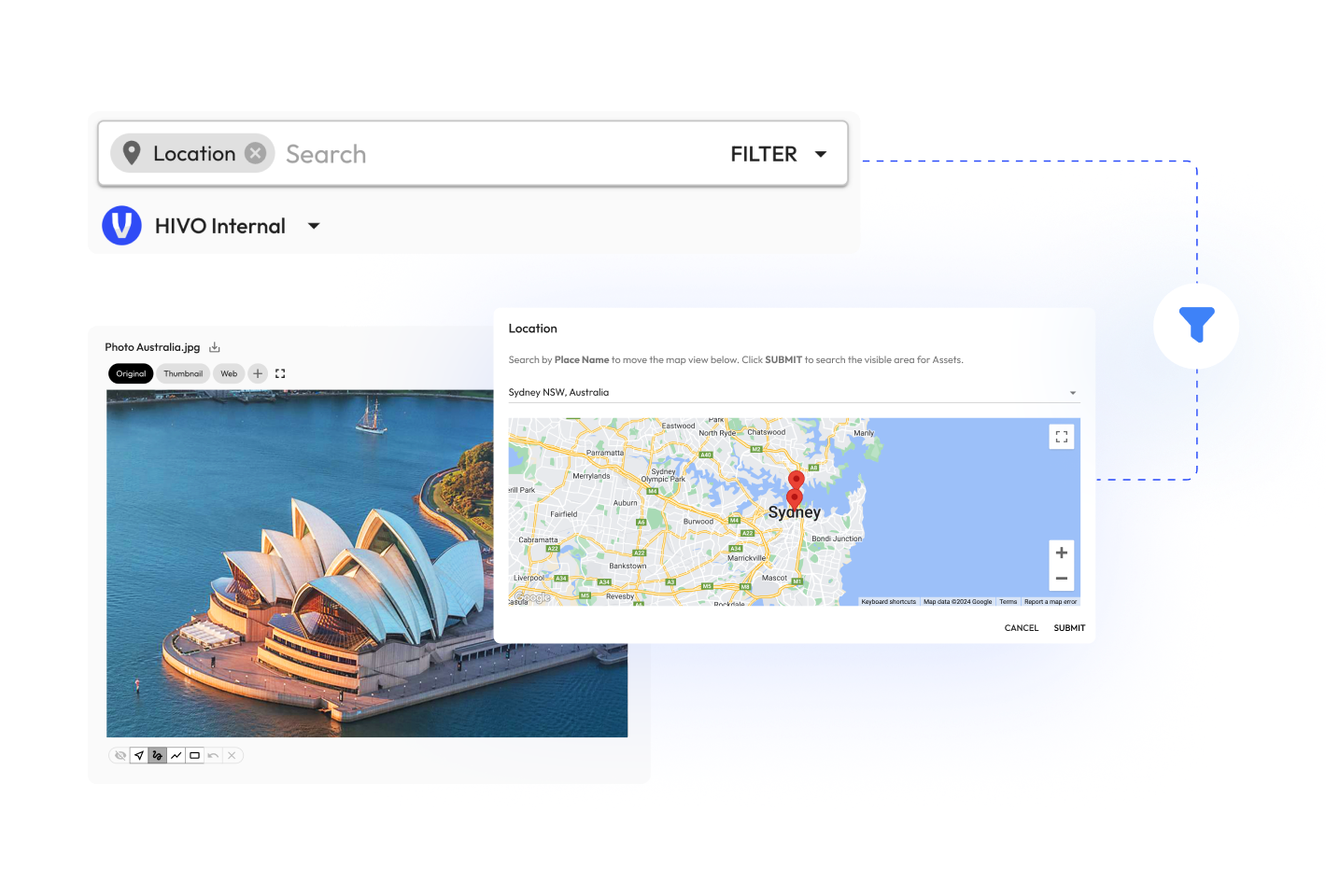
Search by location,
address or place
HIVO’s powerful search engine enables users to search and filter assets based on where assets were originally created or had a location set. Searches can be done by address, location, place name, latitude and longitude coordinates.
Frequently Asked Questions about Digital Asset Management